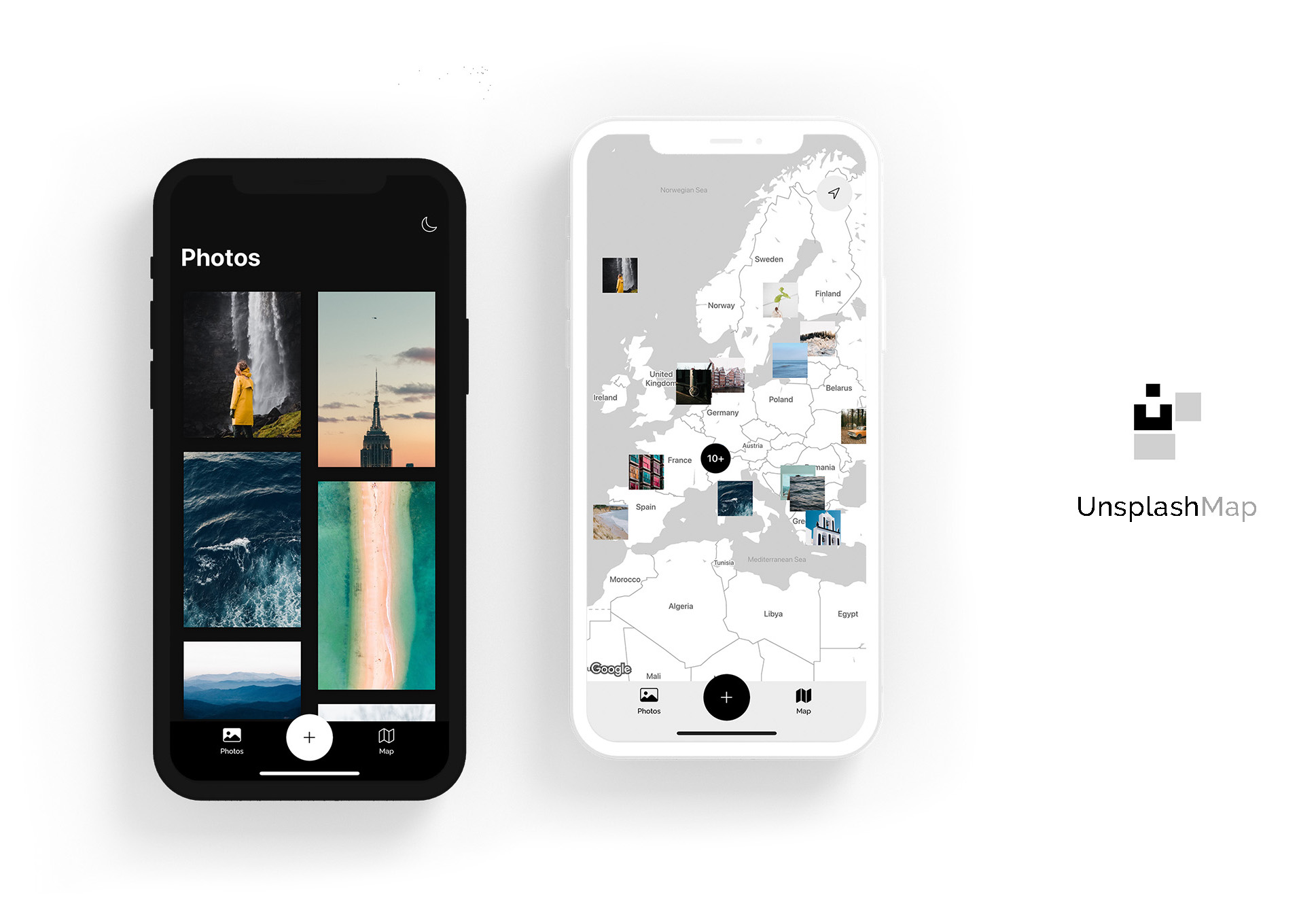
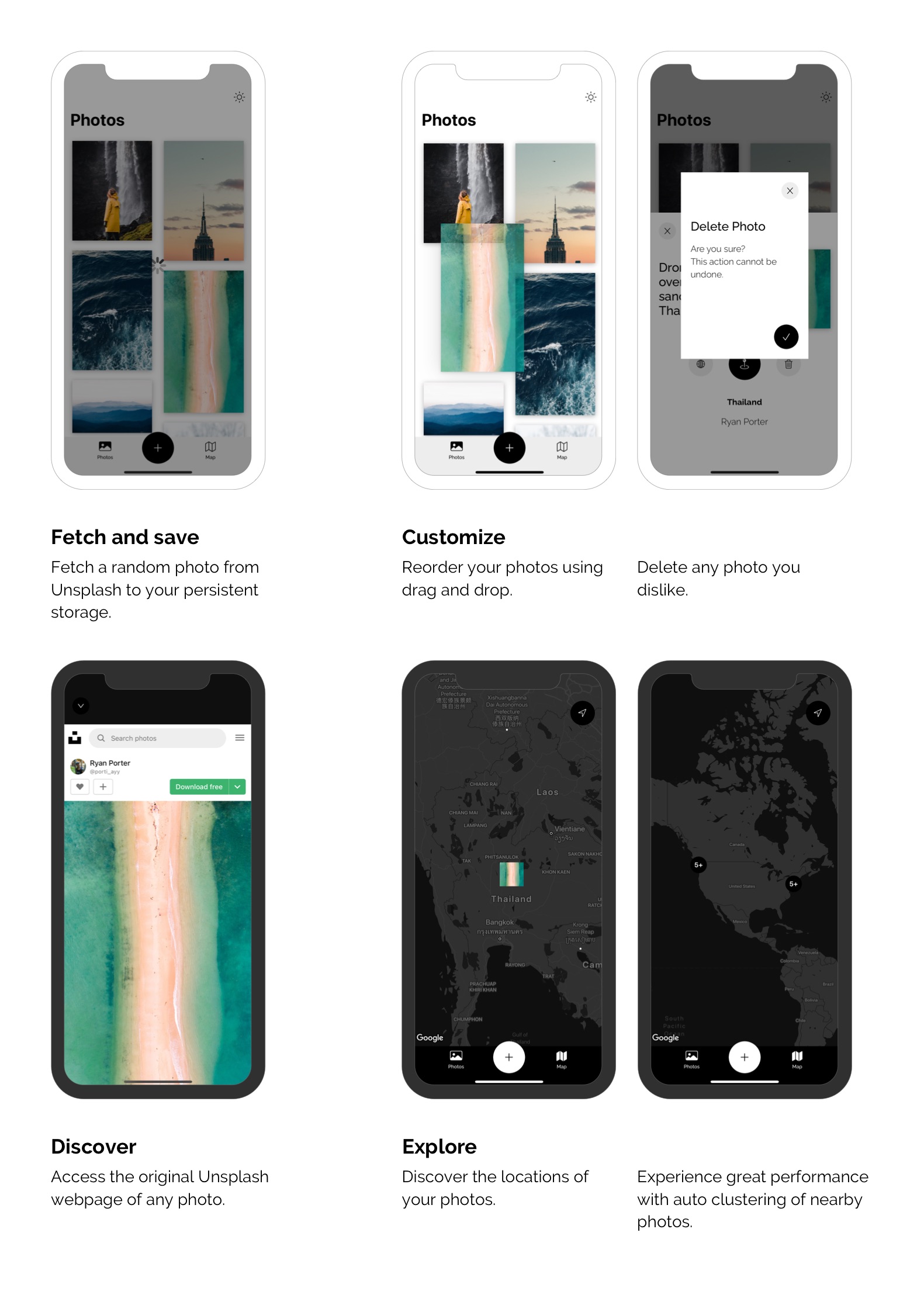
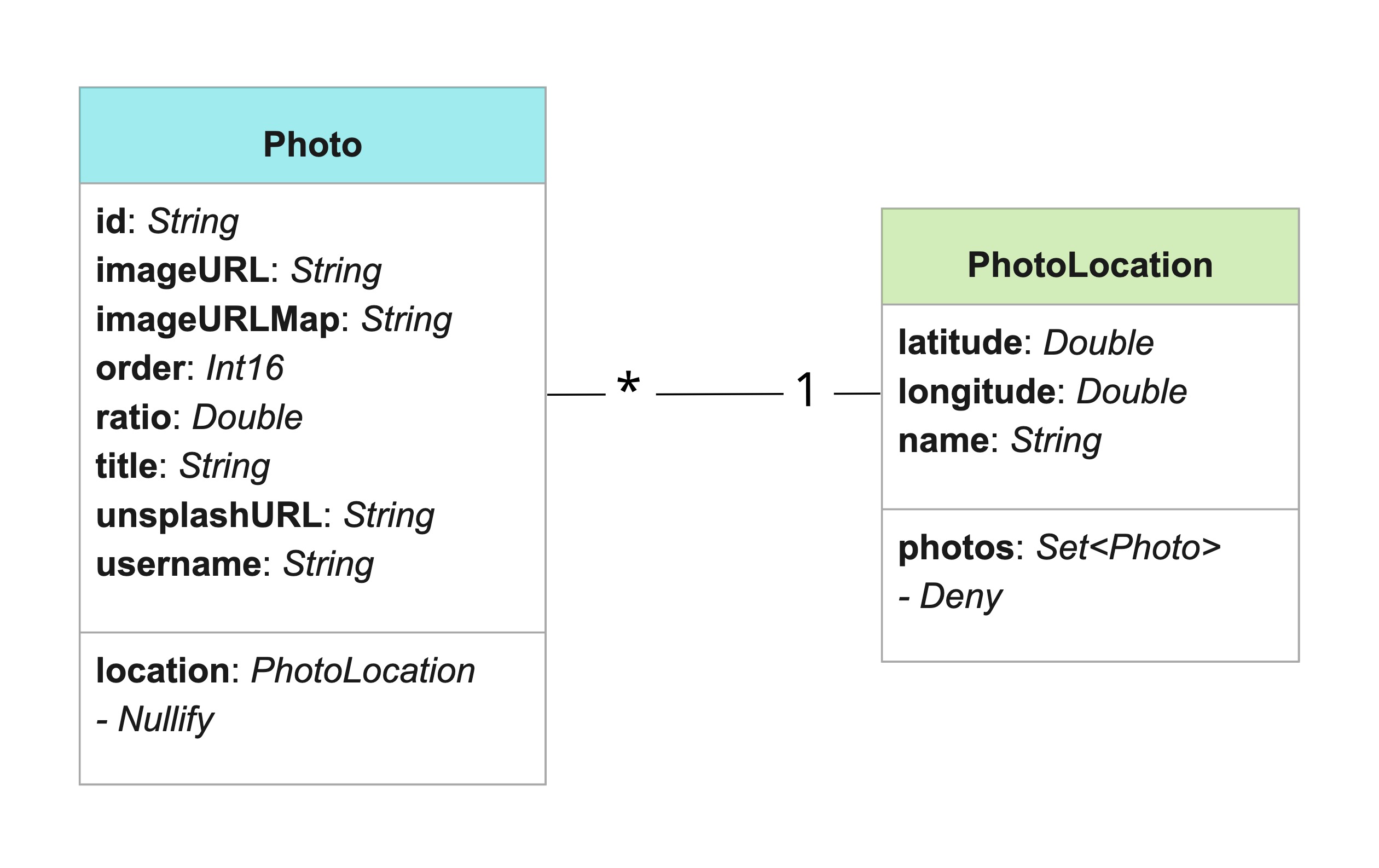
The first challenge I faced was to only fetch photos with location data, as I want every photo to be visible on the map. Unfourtunately it is not possible to specify the location pamameter inside the API URL.
I have solved this problem by synchronously making additional API calls, as long as the retrieved photo has no location data. Fortunately, it is possible to fetch several random photos on a single request. This leads to an estimated 1.15 expected requests each time, if we assume that every third photo has location data and we fetch five photos on each request.
Also challenging for me was to cluster all nearby photo markers on the map, in order to enhance performance and visibility. I found the documentation to be quite shallow so it took me some time to absorb all the necessary information from several resources.
Things I learned
More familiarity with UIKit
Synchronizing API calls using DispatchSemaphore/DispatchGroup
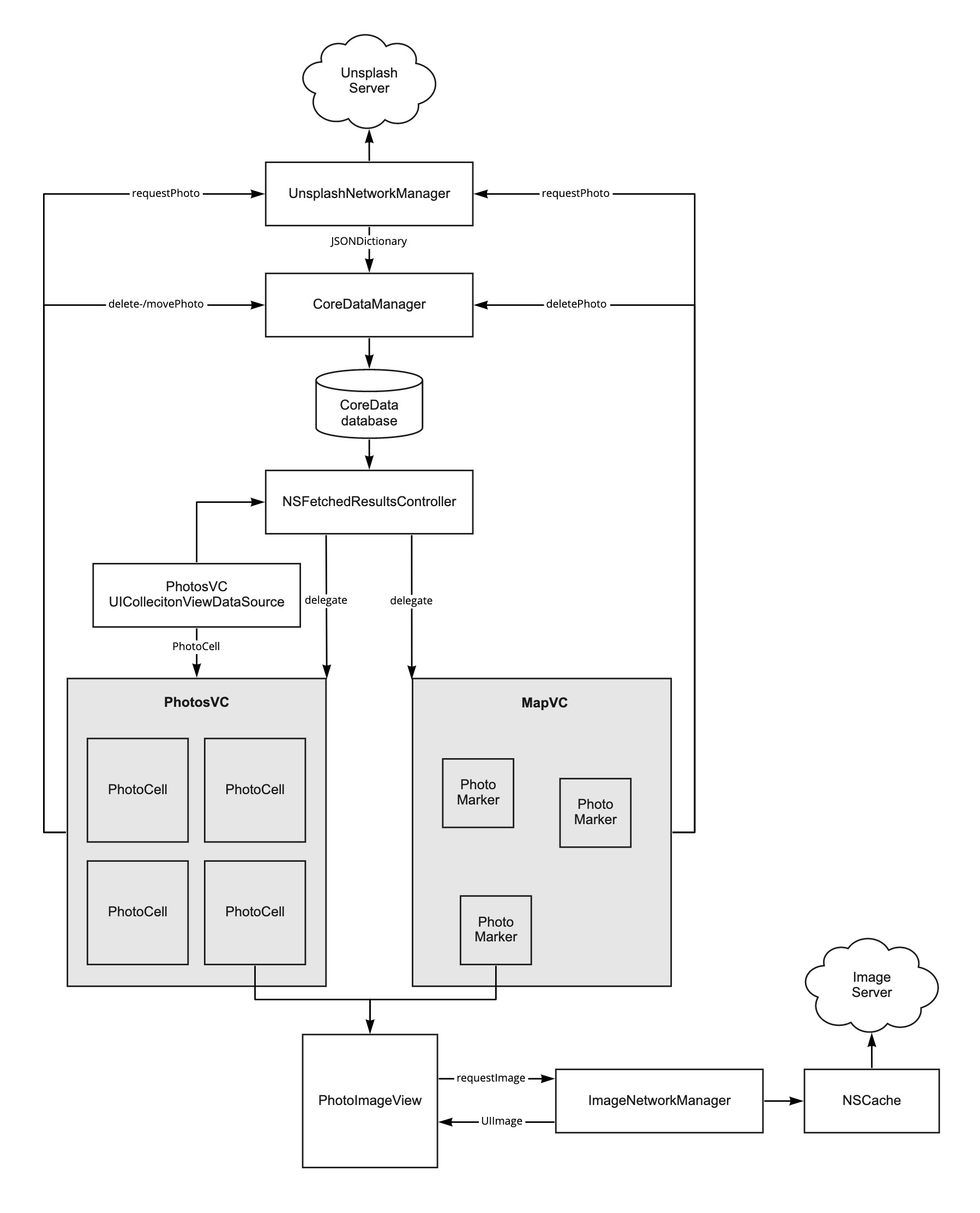
Parsing JSON response with JSONSerialization to save into CoreData database
Using the NSFetchedResultsController
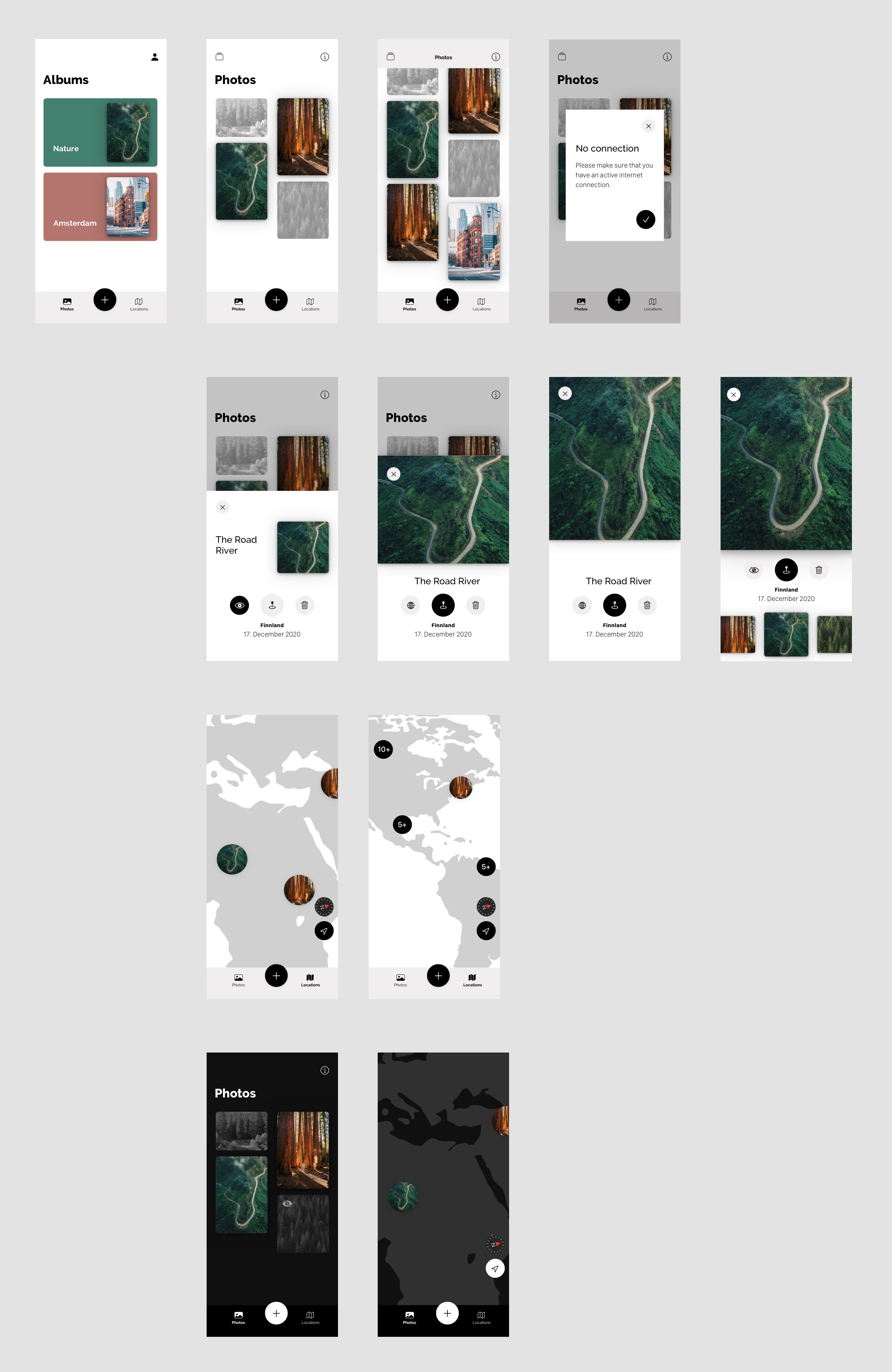
WaterFall UICollectionView layout and custom animations with the help of CocoaPods libraries
Making reusable custom Popups and MiniSheets with both UITapGestureRecognizer and UIPanGestureRecognizer
Working with Google Maps SDK, custom MapStyles as well as Markers and Clustering
Working with LocationManager and properly managing the authentication part